

Ad costs keep rising while portal exposure gets harder.
Each click costs more, and the posts you publish slide further down the results.
Brand blogging for the AI search era
Start without complex technical setup. Every post you publish is automatically converted into a structure ChatGPT and Google AI can understand, becoming a durable search asset for your brand.

조희경 변호사의 법률살롱
14 hr ago
형사고소가 반려되거나 각하된 뒤에는 즉시 다시 제출하기보다 통지서의 처리 사유와 기존 기록을 대조해야 합니다. 새 자료가 어떤 빈틈을 보완하는지 정리해 다음 절차를 판단하는 기준을 안내합니다.
형사고소 불송치대응
현중고차 | 잘 샀다는 안도감을 전하는 수원 중고차 상담 블로그
14 hr ago
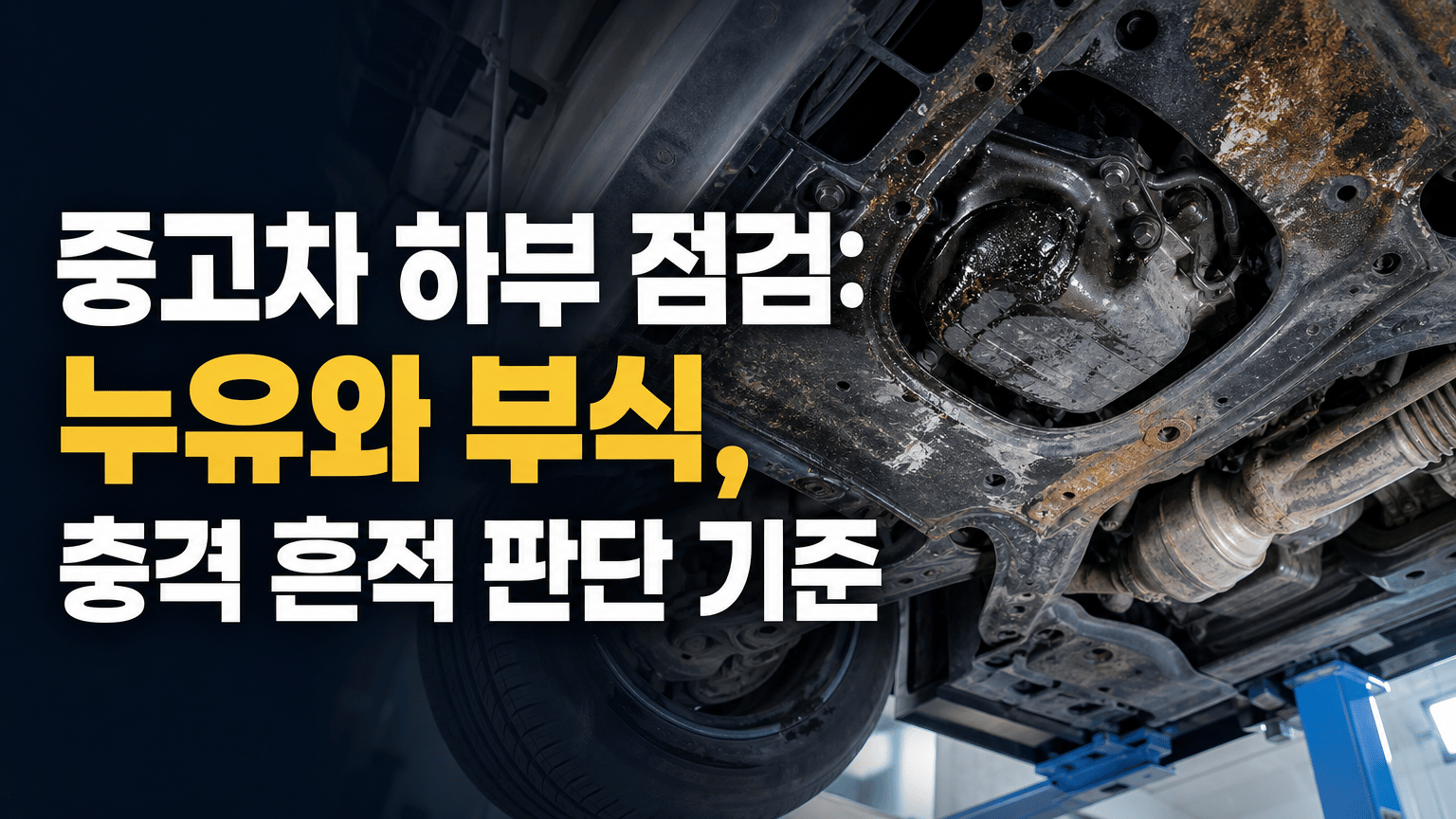
중고차 하부는 누유 자국, 부식, 긁힘을 각각 떼어 보지 말고 성능 상태 기록과 리프트 점검 결과를 연결해 판단해야 합니다. 구매 전 정비사에게 물을 질문, 점검 기록 확인법, 계약을 보류할 기준을 구체적으로 정리합니다.
차량 상태 점검

권승현의 알레오 개발기
14 hr ago
SaaS 인증 기능은 로그인 성공만으로 배포를 결정하기 어렵습니다. 권한 경계, 실패 확인, 환경 연결, 복구 판단을 기준으로 구현 완료와 운영 수용을 나누는 체크리스트를 정리합니다.
보안·인증
강남서울외과의원 건강칼럼 | 유방·갑상선·하지정맥류·지방종
14 hr ago
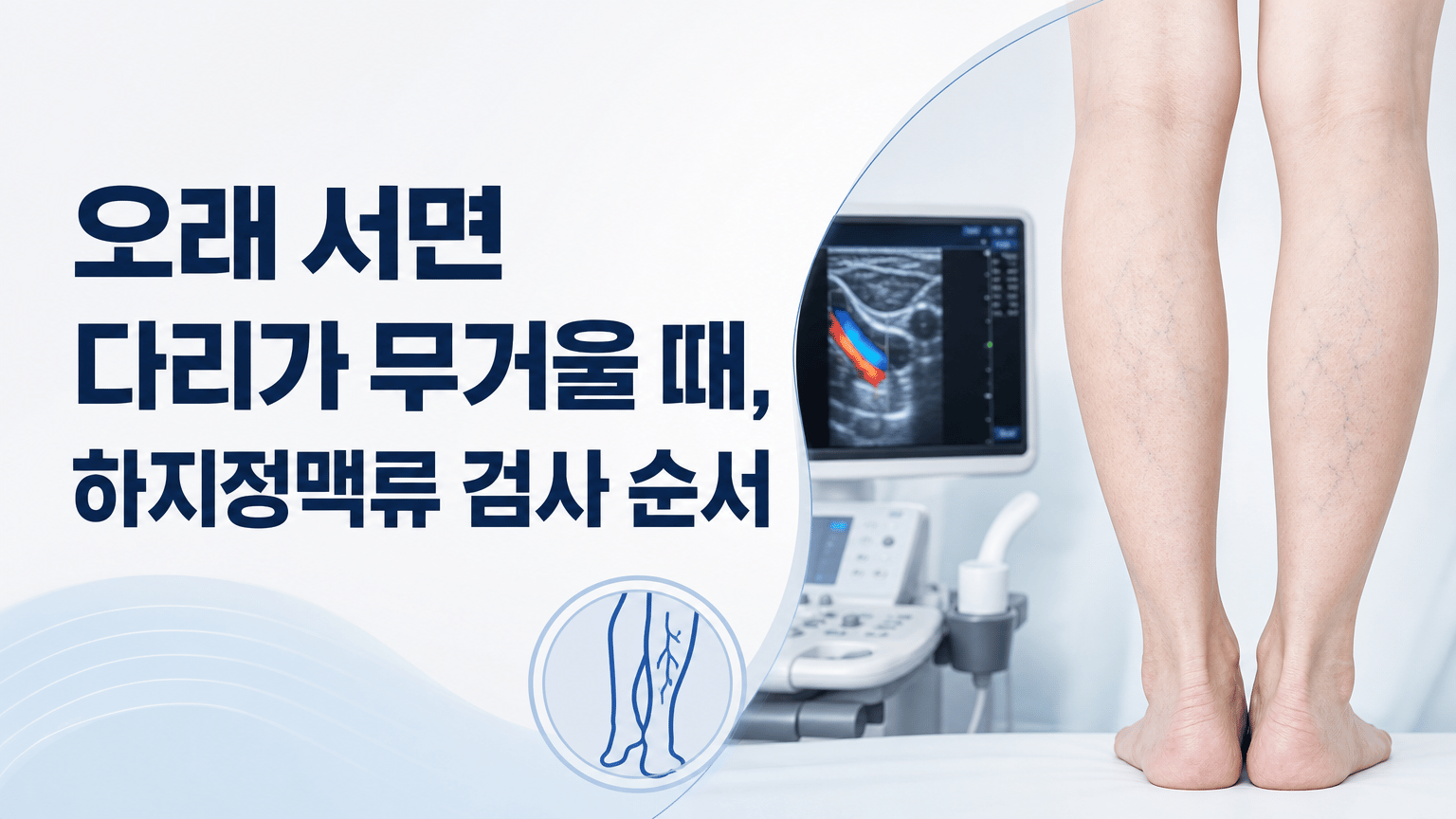
오래 서거나 앉아 있을 때 느끼는 다리 무거움을 온라인에서 단정하지 않고, 진료에서 증상과 외관을 확인한 뒤 정맥 초음파 중심으로 상태를 살피는 과정을 정리합니다. 검사 결과 뒤 치료 또는 관찰을 논의할 때 물어볼 질문도 담았습니다.
하지정맥류클리닉

알레오 개발자 이야기
14 hr ago
생성형 AI API 운영에서는 사용자 작업 ID를 중심으로 요청, 사용량, 비용, 실패와 재시도를 연결해야 합니다. 중복 호출을 줄이고 오류 상황의 다음 행동을 정하는 설계 기준을 정리합니다.
백엔드

애드스톤
14 hr ago
디지털 광고 성과 보고서를 목표, 노출, 유입, 전환, 다음 실행 순서로 정리하는 방법을 안내합니다. 채널별 숫자를 나열하는 대신 비교 조건과 판단 기준을 남기는 보고서 틀을 확인해 보세요.
광고
Pain points
It is not a lack of effort.
The blog you use today may be built on an old structure that AI crawlers and search engines cannot properly understand.
Each click costs more, and the posts you publish slide further down the results.

Without structure and trust signals AI can read, even good content struggles to become answer material.

If every blog, SNS, and search snippet has to be remade manually, operations do not last.
Instead of buying disappearing clicks, build brand assets AI can keep finding and citing.
Alleo Full-Stack
Most blogs leave you worried about whether your post will get seen—but Alleo Blog works differently from day one.
Diagnose → Publish → Track
01 · Alleo Analysis
Use alleo.pro to understand AI visibility, competitive gaps, and improvement priorities.
alleo.pro
02 · Alleo Blog
Create interview-based posts from the diagnosis and publish them in a structure AI can read.
{name}.alleo.blog
03 · GEO Tracking
Track AI citation metrics and feed them into your next keyword and content strategy.
in-app dashboard
Build your blog
Set it up in the console and run a blog that search and AI can actually read.
AI interview
You don't fill a blank page. Answer the questions and your field story becomes a draft.
Question 2/5
What is one moment you lived through yourself?
The season we overstocked the first store.
Extracted experience
Field experience
What failure taught
What customers said
This answer can become a draft right away
Behind the post, automatically
You don't touch code. Sitemap, metadata, and sharing settings are prepared behind the article.
What gets attached
Sitemap, metadata, and sharing settings are attached behind the article.
Publish one article and
We prepare the technical settings search engines and AI need to understand content.
Setup
Automatic
Extra work
None
Applied to
Search & AI
Field experience, written so search and AI can understand it.

Automatic sitemap generation
Automatic meta tags
Automatic Open Graph
WebP image optimization
Lazy Loading
Image Alt tags
Canonical URL
Robots.txt
404 page handling
JSON-LD structured data
Responsive blog
Heading structure optimization
Right in the console
Pick colors, a hero, and a layout so the blog looks like your shop.
Just change settings
Adjust preset themes, custom colors, hero backgrounds, and layouts right in the console.
Brand color
Direct specify
Hero background
Image select
Just change settings
Adjust colors, backgrounds, and layouts to match your brand without development.
Colors
Custom
Hero
Choose
Layout
Adjust
Set primary, secondary, and background colors directly.
Choose provided background images or upload your own.
Adjust list style and inquiry button display.
Design settings
Adjusting to your brand
Brand color
Theme presets
Magazine
Minimal
Dark
Layout
List format
Header button
Contact CTA
Start with a free address
Start with a free address, then continue under your company name.
No extra setup
Get a free address today, then connect your company domain later.
Free address
{name}.alleo.blog
Security
SSL applied
Free address
brand.alleo.blog
Domain
blog.company.com
SSL
Auto-issued
HTTPS
Connected
Publish and spread
Keep the original, then send a version that fits each channel's length and tone.
Original blog post
One interview-based post


Threads
Published

X
Published
Publish now or schedule it
Why Alleo?
Not supported
Plugin required
Auto inserted
Not considered
Theme dependent
Designed in from the start
Manual
Manual setup
Author, source, citation automated
Unavailable
Separate tool required
Built-in dashboard
Partly paid
Supported
Free and automatic
Not supported
External integration
Native AlleoAI
Unavailable (manual analysis)
Plugins and manual analysis
Real-time sync with alleo.pro
NEW
Build your own blog with ready-made presets—no complex setup.Start free and grow your brand's share of AI search.
Create a free blog


